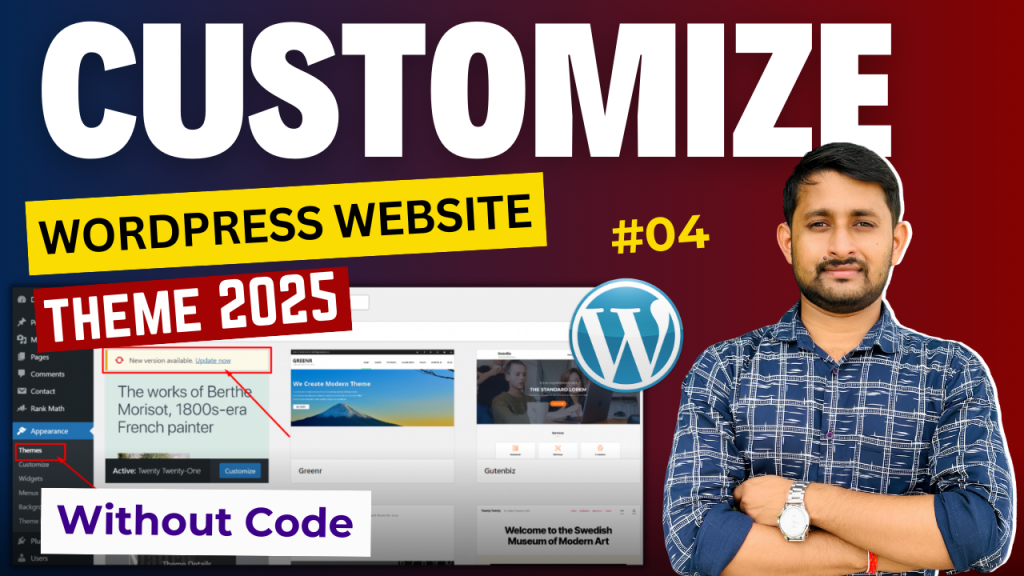
Welcome to Episode 04 of our WordPress tutorial series! In this video, you’ll learn how to take full control of your WordPress website’s design and functionality without ever touching code.
Whether you’re a complete beginner or a website owner wanting to refresh your site for 2025, this step-by-step guide will walk you through the latest tools and techniques to create a stunning website effortlessly.
👉 Get Free Checklist: https://docs.google.com/document/d/1L…
◆◆◆◆◆◆◆◆◆◆◆◆◆◆◆◆◆◆◆◆◆◆
Web Hosting That We Recommend:
✅ https://subhashdigital.com/hostinger (Use Coupon: SUBHASHDIGITAL)
✅ https://subhashdigital.com/fastcomet
Best & Affordable WordPress Multipurpose Theme :
- 👉 Generatepress Premium Theme: https://bit.ly/gpwpress
- 👉 Astra Premium Theme : https://bit.ly/astra-themes
- 👉 WordPress NewsPaper 11: https://bit.ly/newspaper-11
- 👉 Premium Elementor Site Builder: https://elementor.com/?ref=19294
- 👉 WoodMart – Multipurpose WooCommerce Theme: https://bit.ly/woodmartwoo
What You’ll Learn:
- Master Visual Builders: Discover how to use powerful drag-and-drop page builders like Elementor, WPBakery, or the native WordPress block editor to craft a website that’s entirely your own.
- Theme Customization: Learn how to tweak your theme’s layout, colors, and typography to perfectly match your brand, with no need for CSS or HTML.
- Plugins for Customization: Get recommendations on the best plugins to add features such as sliders, galleries, forms, and even eCommerce capabilities without writing any code.
- Advanced Design Tweaks: Personalize your site’s appearance with custom fonts, background images, animations, and more.
- Mobile Optimization: Ensure your design looks perfect on mobile and tablet devices using responsive settings.
By the end of this video, you’ll have the confidence to build and customize your WordPress site with ease. Plus, we’ll share 2025’s top design trends and tips to keep your site modern and competitive!
[rishi-element id=”14573″]