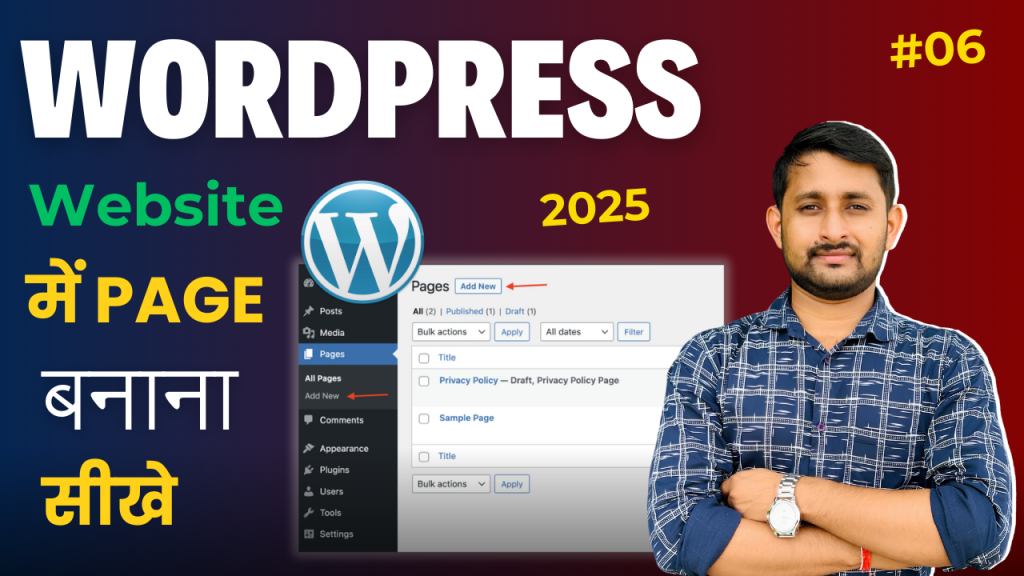
Episode 06: How to Create a Page in WordPress – WordPress Tutorial for Beginners in Hindi In this beginner-friendly tutorial,
I’ll guide you through the simple steps to create your first page in WordPress! Whether you’re setting up a homepage, about page, or contact page,
this episode covers everything you need to know to get started with WordPress page creation. No coding required!
◆◆◆◆◆◆◆◆◆◆◆◆◆◆◆◆◆◆◆◆◆◆
👉 Web Hosting That We Recommend
✅ https://subhashdigital.com/hostinger (Use Coupon: SUBHASHDIGITAL)
✅ https://subhashdigital.com/fastcomet
◆◆◆◆◆◆◆◆◆◆◆◆◆◆◆◆◆◆◆◆◆◆◆
Our Social Media :
🔸 Instagram: / subhashdigitalofficial
🔸 Join Us On our Telegram Channel: https://t.me/subhashdigitalofficial/
◆◆◆◆◆◆◆◆◆◆◆◆◆◆◆◆◆◆◆◆◆◆◆
You’ll Learn:
- Basic Setup: How to create, edit, and publish a new page in WordPress.
- Using the Block Editor: A step-by-step guide to using WordPress’s block editor (Gutenberg) for adding text, images, and other content.
- Customizing Your Page: Tips for adjusting layouts, adding headings, formatting content, and embedding media.
- Page Settings: Learn how to set your new page as the homepage, use page templates, and configure SEO settings.
- Useful Plugins: Enhance your page’s design and functionality with some simple, free plugins.
Whether you’re building a personal blog, business site, or online portfolio, this tutorial will help you confidently create beautiful pages in WordPress.
[rishi-element id=”14573″]