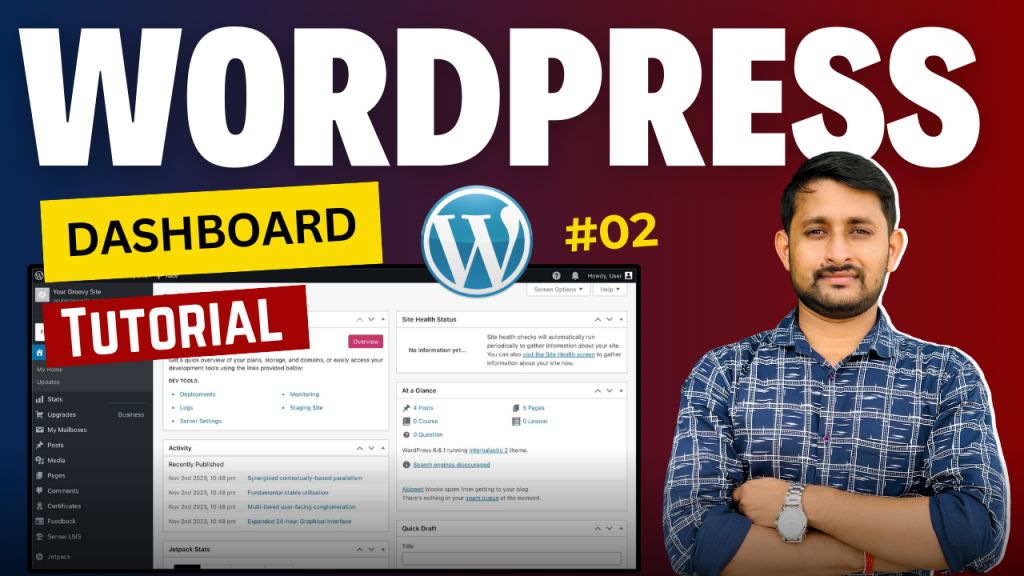
In this episode of our WordPress Course for Beginners, we dive into the WordPress Dashboard – the control center of your website! 🚀 Whether you’re new to WordPress or need a refresher, this video will guide you through all the essential functions of the dashboard.
◆◆◆◆◆◆◆◆◆◆◆◆◆◆◆◆◆◆◆◆◆◆
👉Web Hosting That We Recommend ✅ https://subhashdigital.com/hostinger (Use Coupon: SUBHASHDIGITAL)
✅ https://subhashdigital.com/fastcomet
What you’ll learn in this video:
✔️ What is the WordPress Dashboard? – Understand the layout and key features.
✔️ How to Navigate the Dashboard – Learn how to manage posts, pages, themes, plugins, and more.
✔️ Dashboard Menu Overview – A detailed walkthrough of all the menu options (Media, Appearance, Plugins, Settings, etc.).
✔️ Customizing the Dashboard – How to arrange widgets and personalize the dashboard for your needs.
✔️ Quick Access to Essential Tools – Discover shortcuts to speed up your workflow. By the end of this tutorial, you’ll be able to confidently navigate and use all the essential features of the WordPress dashboard like a pro!
[rishi-element id=”14573″]